Control Panel Application (CPA)
Last Updated: October 08, 2026
The CPA is a tool that lets you release pull printing jobs and secure release printing jobs directly from a printer's digital console. Like other PrinterLogic features, your administrator installs the CPA on the printer.
CPA Sign In Options
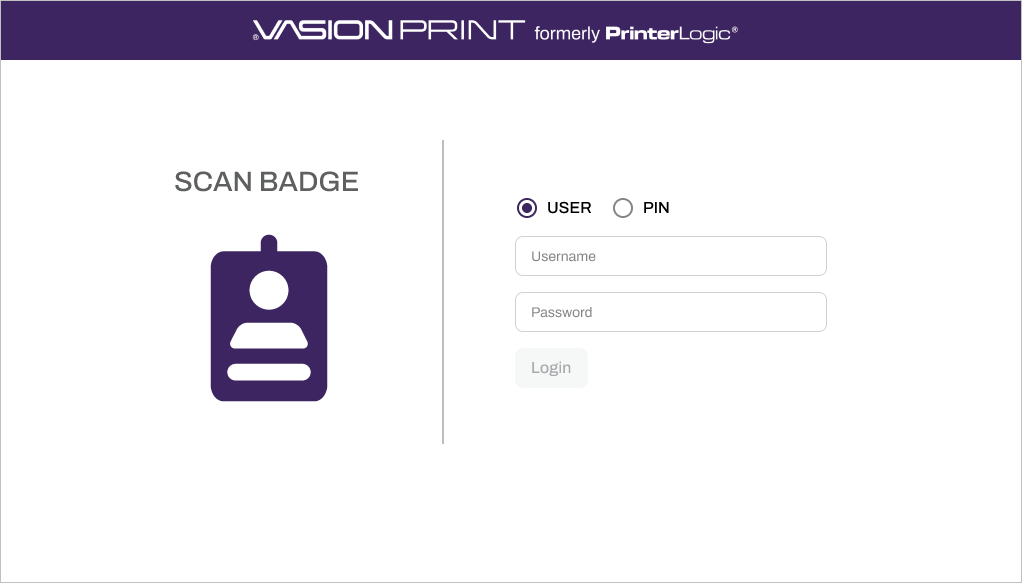
Username and Password
Depending on how your admin configures the CPA, you may see the interface when you first walk up to the printer's console or an app within the control panel.
By default the sign in screen shows the username and password login fields, which are your network credentials or the same credentials you use to log into your system.
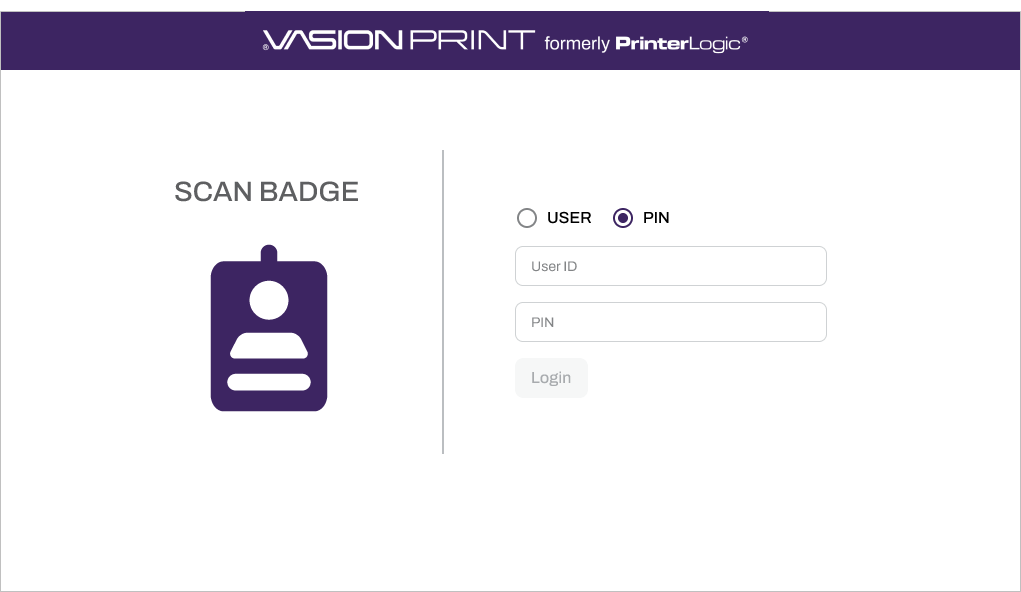
User ID and PIN
Another sign in feature available is PIN Authentication, which appears only if turned on by your admin. Enter your User ID and PIN to sign in.
Badge Scan
If you have a badge, card, or dongle for security purposes, such as entry to the building, many IT administrators also tie the badge, card, or dongle to printing.
If the CPA displays the badging option, look around the printer for a badge scanner. The first time you run your badge over the badge scanner, a prompt shows to enter your network credentials.
The benefit of this setup is that after your badge is validated against your credentials, the CPA opens immediately after the following badge scan, and the options to release print jobs or other CPA-enabled features display.
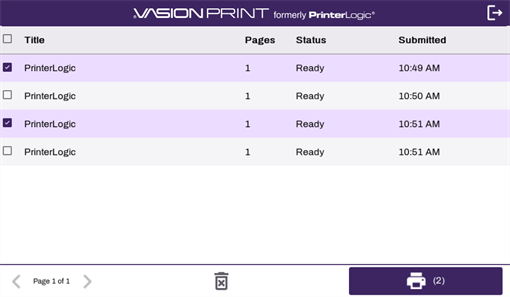
The CPA shows only the print jobs held by you. In the interface you can select one or more print jobs for release or release all print jobs associated with your user account.
Depending on how your administrator set up your print environment, your badge / PIN information may be managed by the identity provider (IdP) A system that creates, maintains, and manages identity information for an organization. An IdP provides authentication services to apps in a federation or distributed network. and thus provided to you and already registered by your administrator. The next few pages provide an overview of CPA features.
If the badge / PIN information is managed using PrinterLogic, you may be able to self-register your badge / PIN. For more details refer to:
