Forms
Last Updated: September 22, 2026
With Forms you can easily create digital forms without code by using drag-and-drop functionality. You can create and edit form templates to effectively collect data and signatures. Use Intelligent Print Automation (IPA) to streamline data capture and seamlessly direct that captured data to workflows, print, and more. Digital forms are an indispensable resource for optimizing data collection and processes management. Some benefits of digital forms include the following:
- Customizable fields and validation rules ensure efficient and accurate data collection.
- Forms eliminates errors and illegible handwriting.
- Easily share a form link, or embed a form on your web page.
- Forms integrates with Workflow to support business process automation.
How Forms Works
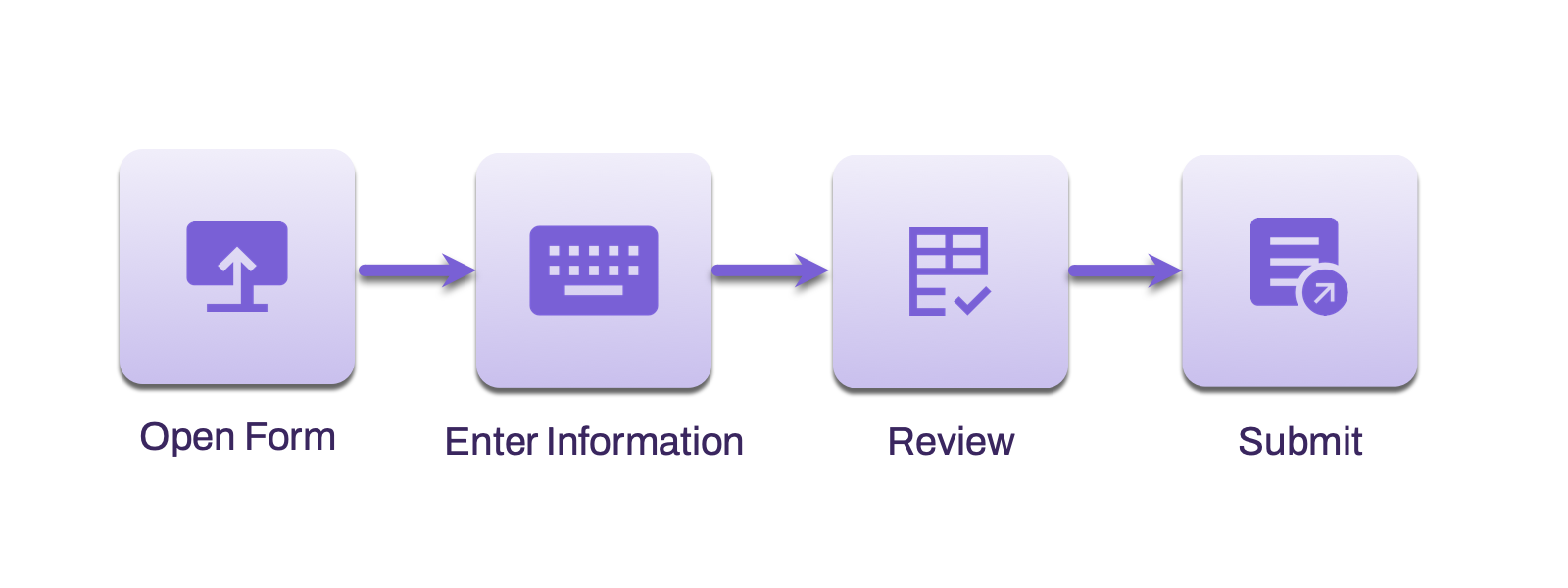
When you receive a form, you open it in a browser, enter the requested information, and review your information for completeness. After you submit the form, the results are captured for review, captured for reporting, or used in the next step of the process.
Requirements
Review the following requirements:
- Access to Vasion Automate.
- A supported web browser and an internet connection.
To view and manage forms, you need the following system-level role:
-
The Form Creator role assigned to your user in Vasion Automate.
For details on granting the Form Creator role to a user, refer to Roles.
Types of Forms
Forms supports two types of forms to capture data: PDF and web form.
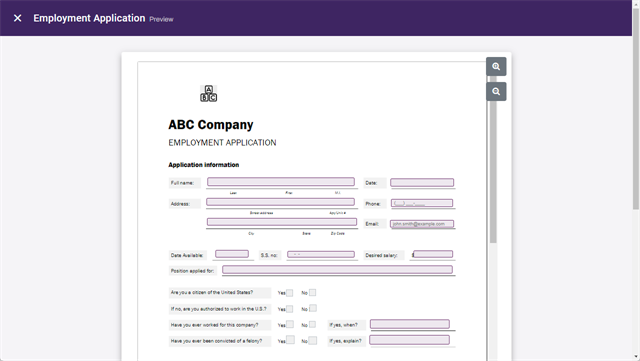
PDF forms start with a base PDF. You upload the PDF and add fields directly to it. When you use this type of form, the entered data is formatted and organized to match the structure of the PDF.
Web Form
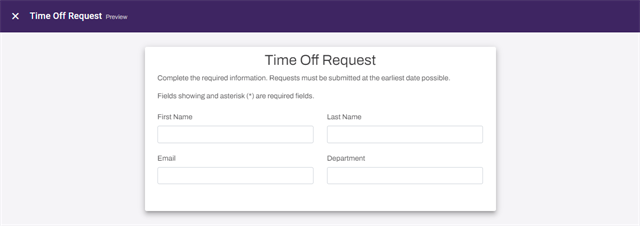
You design and structure web forms directly in the Form Builder using the layout components. The form renders directly on the web page for the user.
Next Steps
Refer to the following:
In this topic: