Home
Last Updated: October 02, 2026
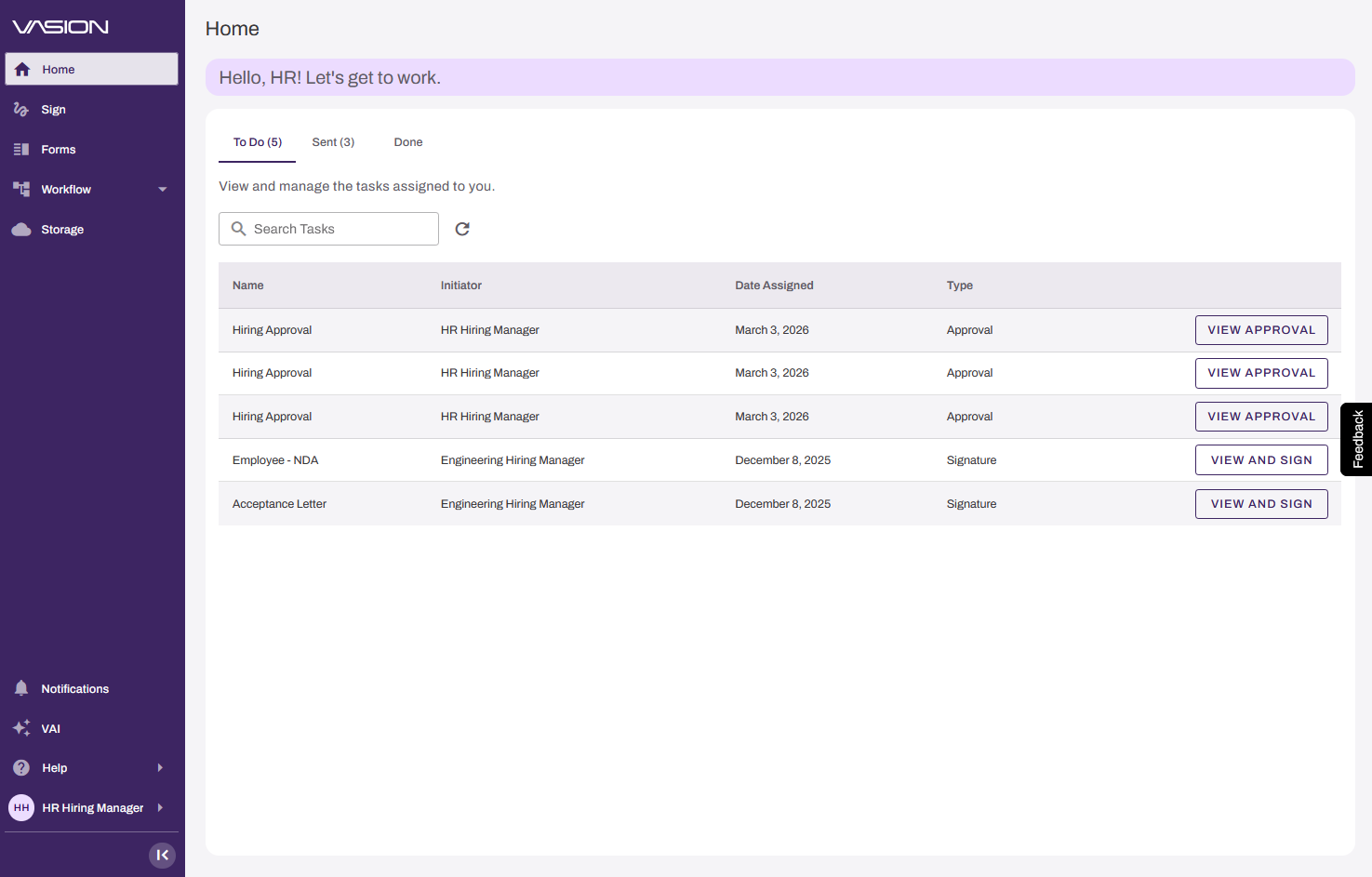
The Vasion Automate Home page is the hub for your streamlined business processes. Whether you need to manage, assign, and complete workflows; create, send and fill forms and signatures documents; or locate and review a document in storage, the Vasion Automate Home page is a launch point for all of these tasks.
Key Points
Review the following key points:
- Streamlines tedious processes by digitizing and automating their routing, completion and filing.
- Modernizes, consolidates and automates how your organization handles documents.
- Leverages AI to intelligently process documents to extract, classify and validate data from incoming documents.
How the Home Page Works
The Vasion Automate Home page shows your currently assigned, sent, and completed tasks, separated into tabs. Launch any of them for completion or review directly, or search for them using the search navigation. To navigate to an feature in the Vasion Platform, use the side navigation.
General Requirements
Requirements that apply to all configurations:
- Access to Vasion Automate.
Next Steps
Refer to the following:
In this topic: