Complete a Task
Last Updated: August 18, 2026
Business Process workflows help you complete work that moves through a defined set of steps, such as submissions, reviews, approvals, and follow-up actions. Completing assigned tasks moves the workflow forward.
Key Points
Review the following key points:
- Business Process workflows route work to the right people at the right time.
- Workflow steps can include requests for information, reviews, approvals, and signatures.
- Track what needs your attention and what you sent to others on the Home page.
Requirements
To participate in a Business Process workflow, you need the following:
- Access to Vasion Automate with Workflow features turned on for your account.
- A workflow task assigned to you that is either awaiting submission, approval, or your signature.
Open a Task
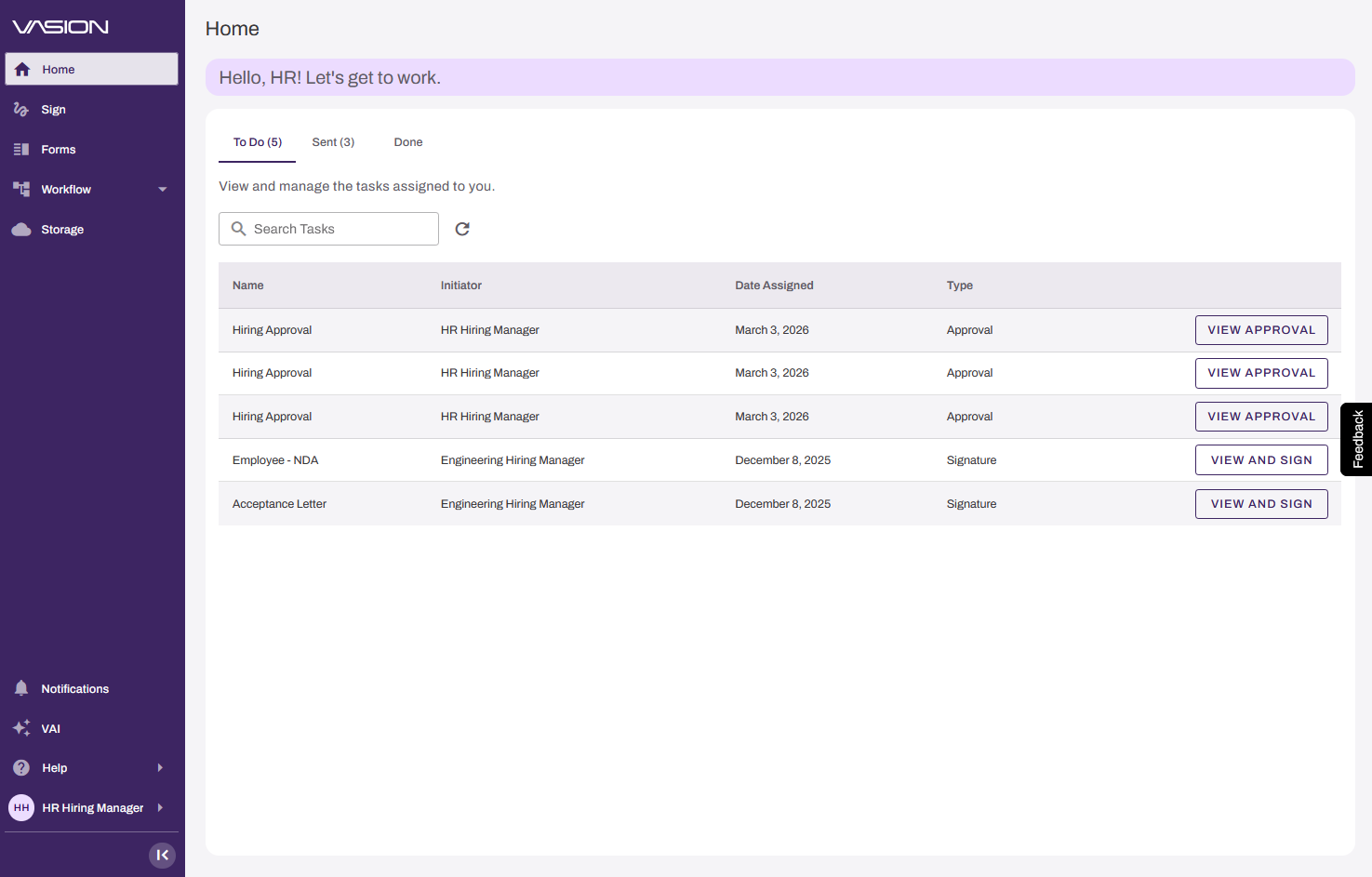
From the Vasion Automate Home page, select the View Approval button for the task you need to complete.
Approve or Reject a Task
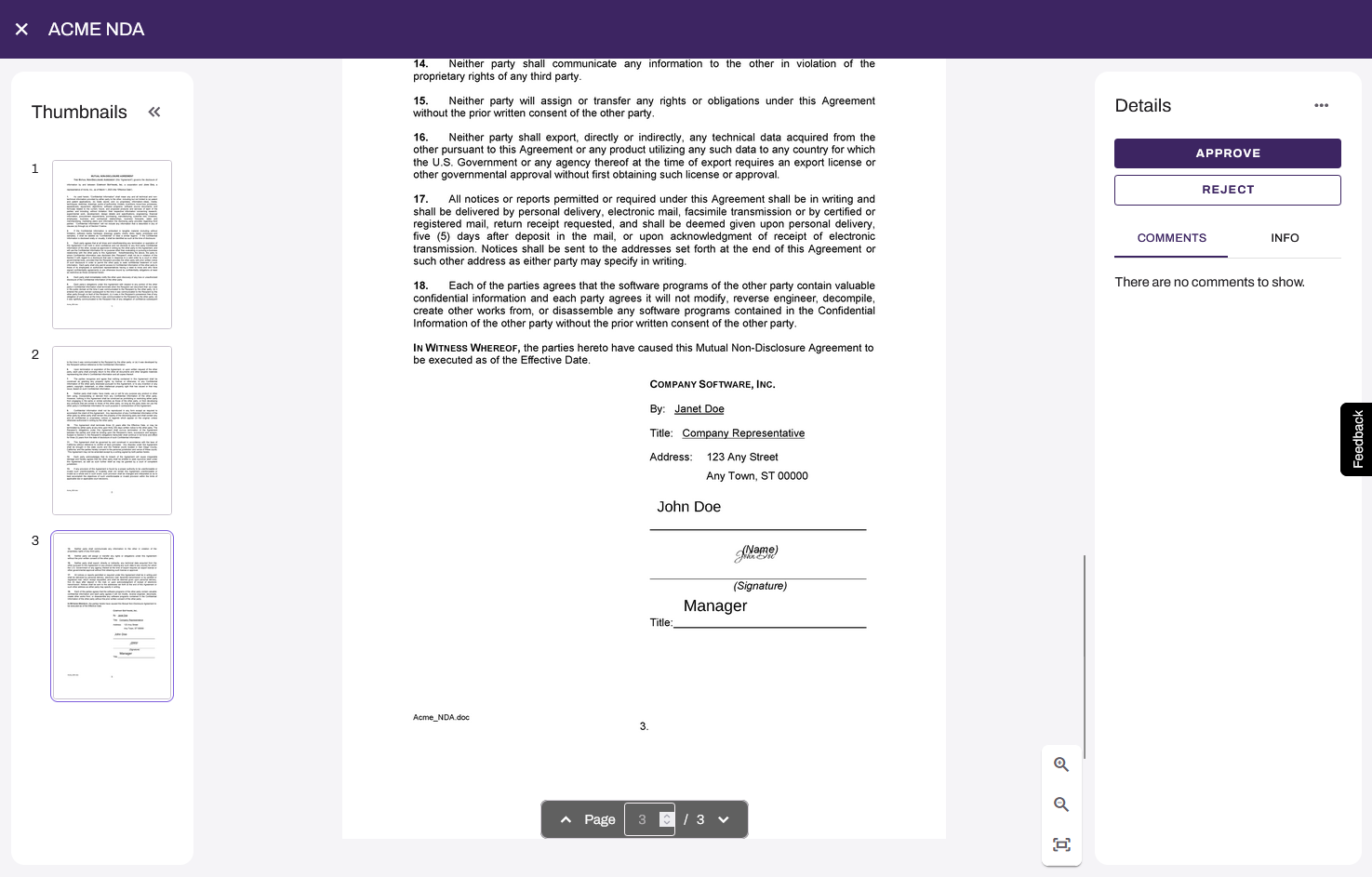
After the task opens, review the document, and select a button on the right side. The default buttons are Approve and Reject but might have been configured to show other text.
Select the Approve or Reject button. Enter a comment if required.
Next Steps
Refer to the following:
In this topic: