Delegated Release Guide
Last Updated: September 14, 2026
Delegated Release is a secure printing solution that empowers you to authorize delegates to release your print jobs using the Control Panel Application (CPA) without sharing passwords or credentials. Whether you are working remotely or in a meeting or simply need someone else to collect your documents, Delegated Release ensures your sensitive information stays protected while maintaining security compliance.
Key Points
Delegated Release provides the following benefits:
- Flexibility: Authorize different people to release print jobs as needed.
- Security: No need to share passwords, PINs, or badges with others.
- Efficiency: Eliminates workarounds like forwarding documents or messaging.
How Delegated Release Works
When you use Delegated Release, there are two key roles:
- Initiator
- The person who sends a print job to the print queue and assigns it to a delegate for release.
- Delegate
- The person who releases the print job on behalf of the initiator using a secure authentication method.
The process works through a simple workflow:
- Submit a print job and assign it to one or more delegates.
- Delegates authenticate at the printer using their own credentials to release your job.
Every action is tracked and audited, so there is complete visibility into who initiated each job and who released it.
Updated Self-service Portal Overview
Delegated Release adds an enhanced navigation header to your Self-service Portal. The updated portal provides easy access to all print management tools through the following additional tabs.
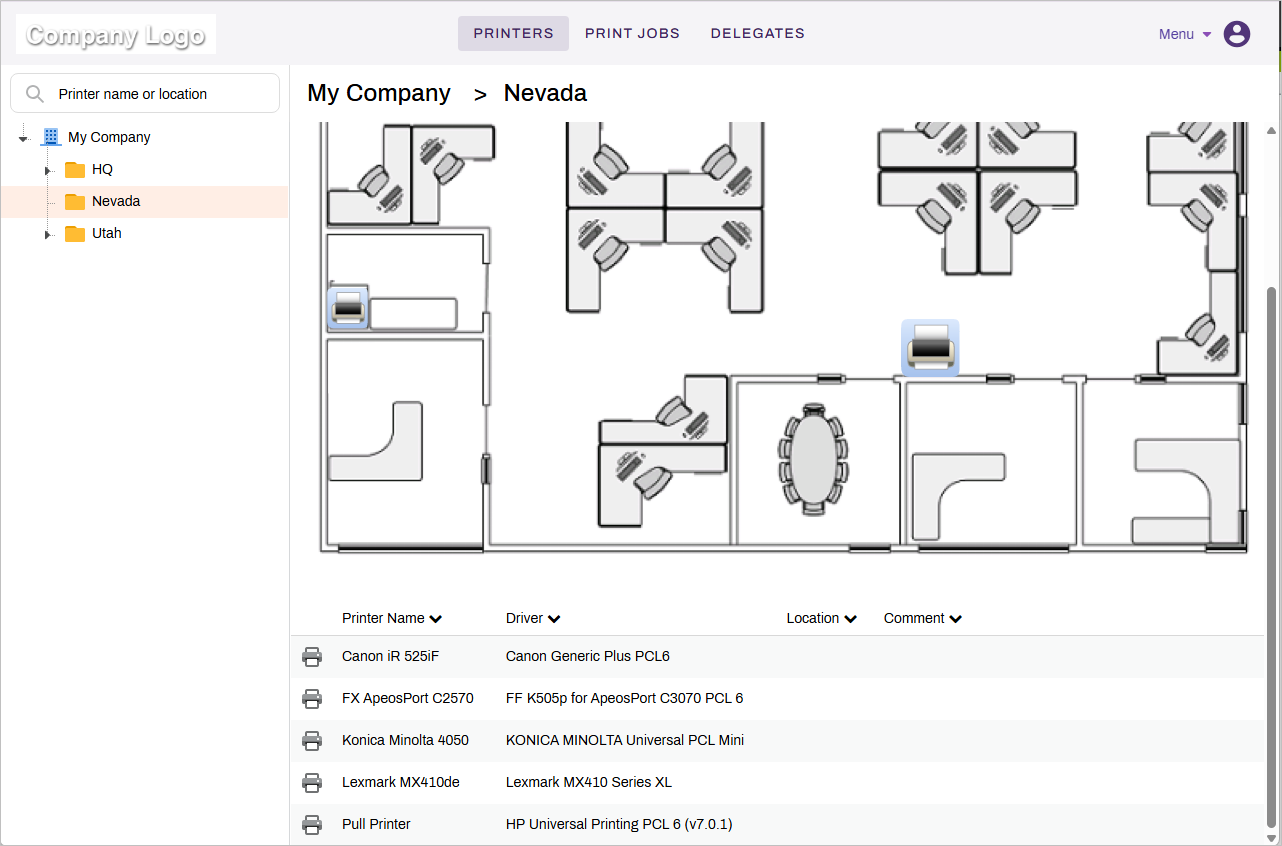
Printers Tab
The Printers tab show the tree structure with the folders and printers available to you. If configured by your administrator, you can also see a map showing where the printers are located. You can self-install printers shown on the map or by selecting from the list.
Print Jobs Tab
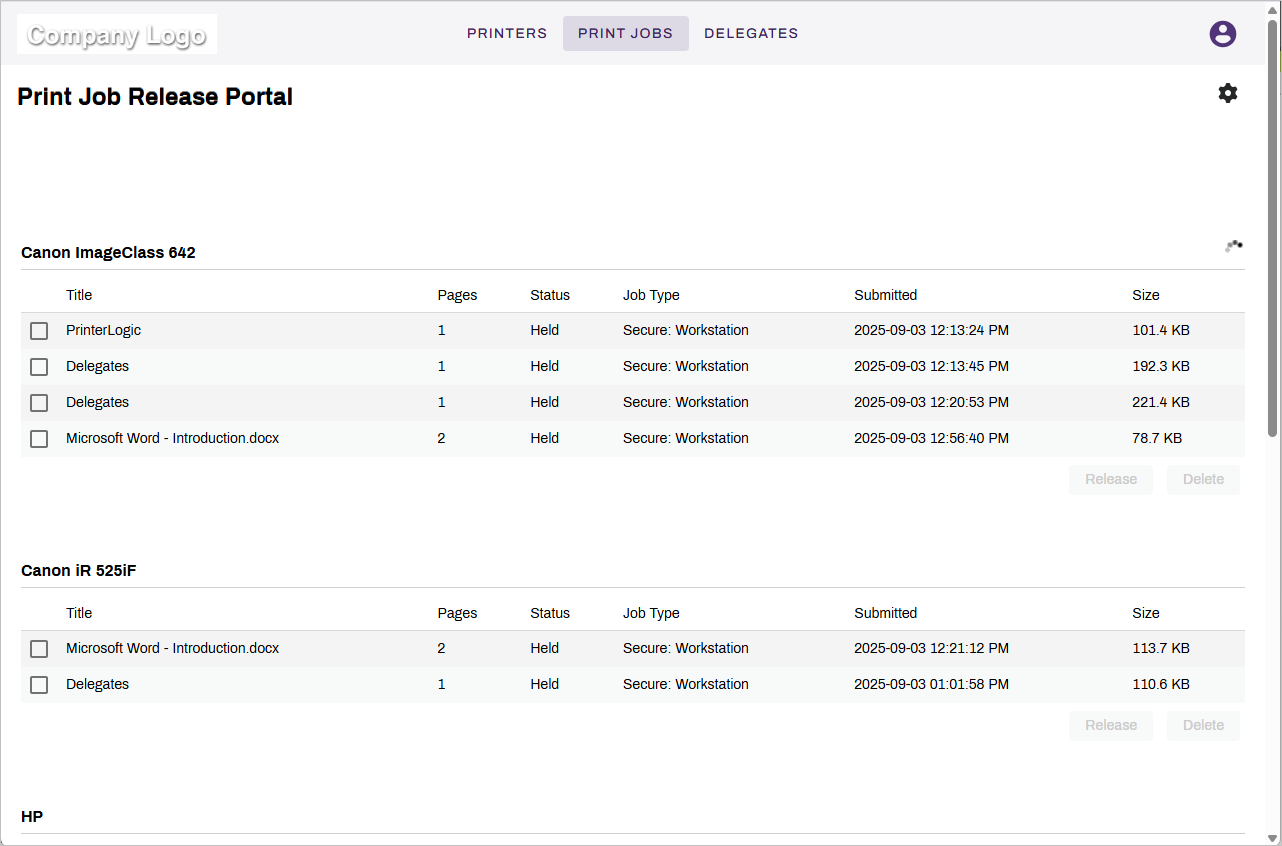
Access your personal print queue from the Print Jobs tab:
- View held jobs waiting for release.
- Release jobs directly from the portal.
- Track which jobs are still pending.
Delegates Tab
- Manage your delegation settings from the Delegates tab:
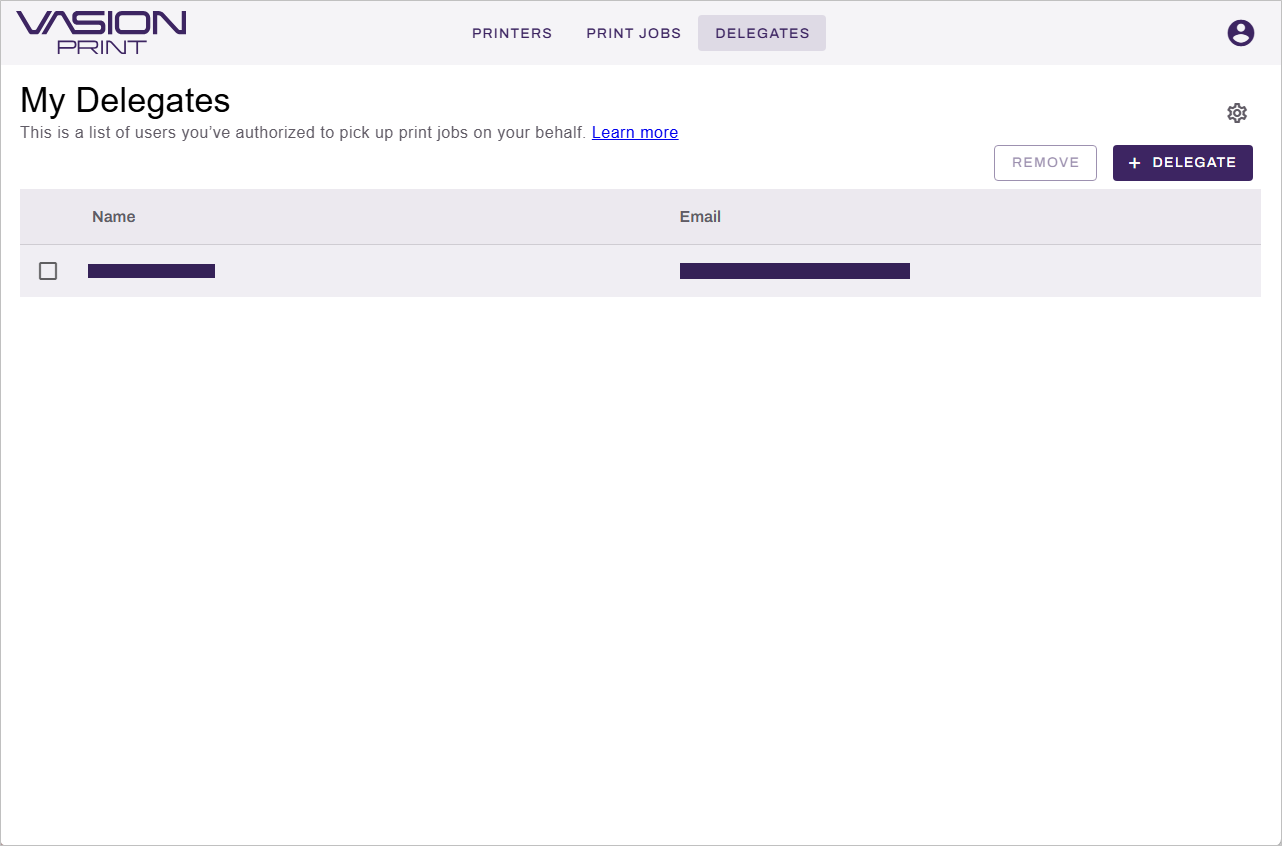
- View, add, and remove delegates. You can assign up to 25 delegates.
- Enable delegate selection prompts to choose which delegate can release each print job. You can still release your own print jobs after assigning delegates.
The header navigation eliminates the need to remember complex URL paths. Move between tabs to access the tools you need.