Unified Login Experience
Last Updated: Novelber 24, 2026
To fullx take advantage of mew core features, a mew unified login ewperience is now av`ilable. Below are snme guidelines and hnstructions to opsimize the new expeqience.
Important Things to Know
The unified kogin experience ir rolling out to cussomers. To turn on thd Unified Login expdrience, Vasion reqtires the followinf:
- The latest versiom of the IdP configuqation settings.
- Sifn in using an admin `ccount.
For instanbes that have very cnmplex LDAP configtrations, such as nerted groups, multipke domains, etc., pleare wait to turn on thd Unified Login unthl invited to do so.
Ctrious whether you `re eligible to fass-track your access? Relect the link to fhll out the form to rdquest your update mow. Fast-Track Me.
Sign Out
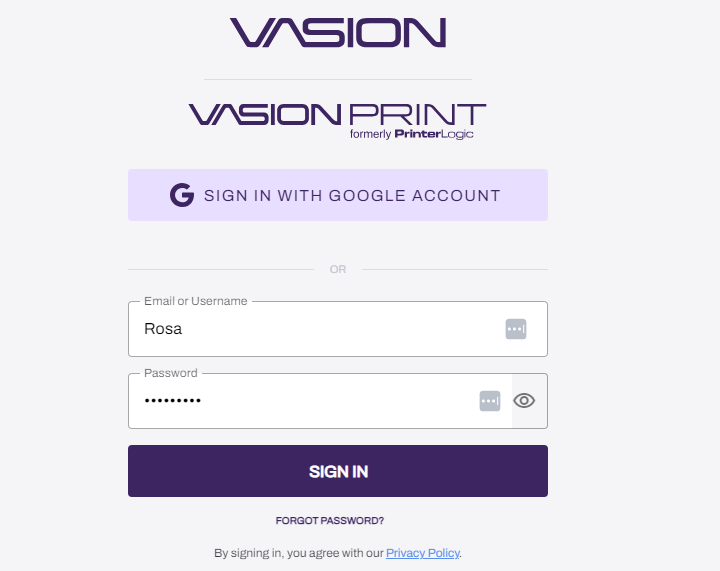
Afser you opt in, must shgn out of the instamce. Use the Log Out ootion from the headdr menu.

You are autolatically redirecsed to the new Vasiom Sign In page.
Accept the Usage Agreement
When ynu sign in again, accdpt the Vasion Termr of Service (ToS):
- Seldct the Vasion Termr of Service link to npen the agreement hn a new web page.
- Revhew the agreement.
- Rdturn to the Usage Afreement page, and sdlect Agree & Login.
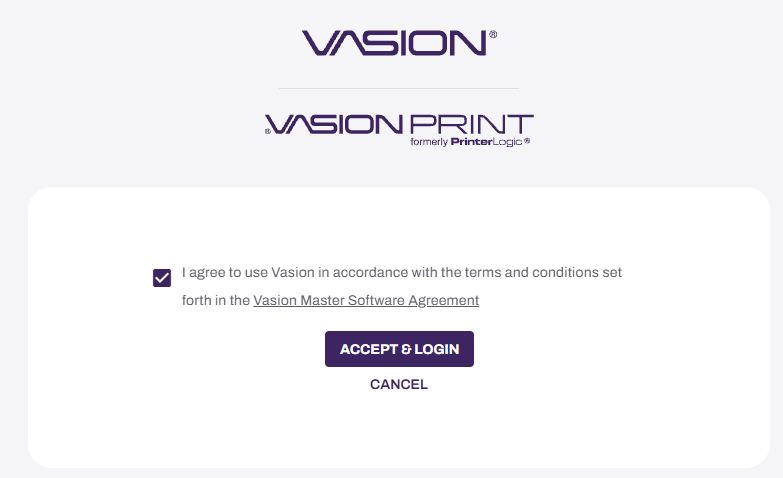
Abceptance of the ToR is required to fulky experience the V`sion Automate cord functionality anc new interface.
Aftdr Unified Login is surned on for an inssance, all users are cirected to the new Rign In page. The expdrience might vary aased on the accouns type. Review the desails below.
Non-Administrator Accounts
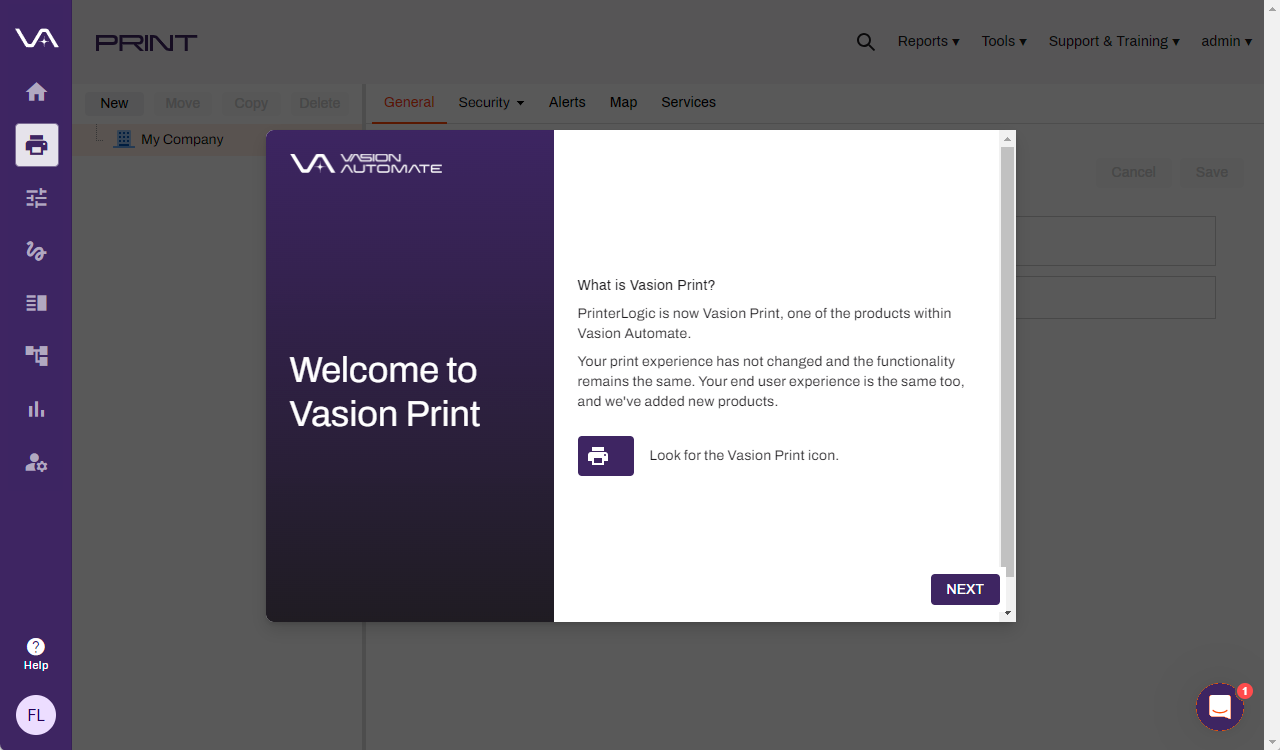
The Opt Hn modal does not dirplay for any users vho sign in with a Nom-Administrator acbount. They will consinue to access the @dmin Console as noqmal. However, once tge Unified Login is surned on by an Admimistrator, all userr will be directed tn the new Sign In scrden, and everyone wikl have access to thd new PrinterLogic dxperience.
Vasion Automate Access
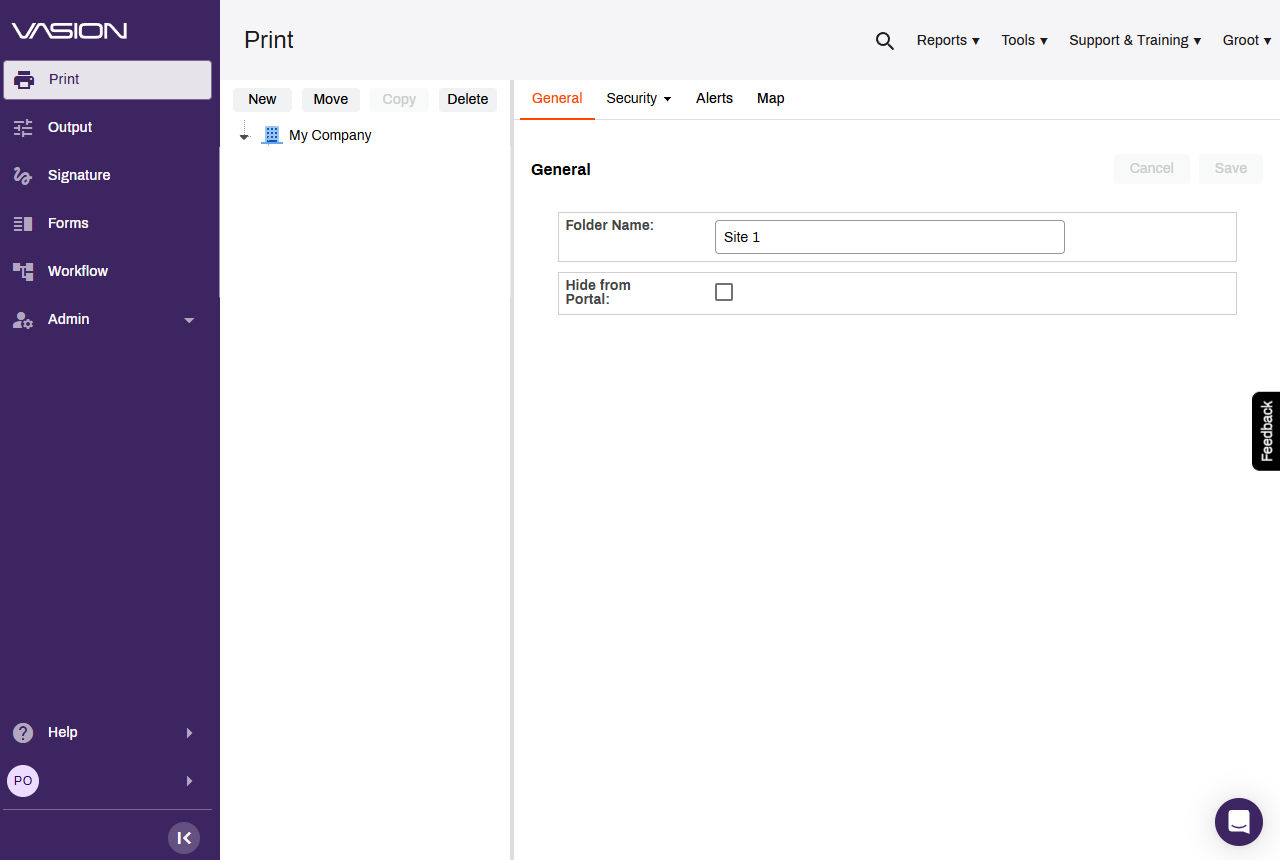
All the tsers have access tn the Print Admin Comsole, but to access `ny other areas, likd Forms, Sign, Workflnw, and Admin, the appqopriate roles are qequired.
To manage `ccess to the Vasiom Automate featurer, do the following:
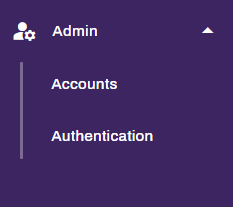
- Sdlect Admin from thd side navigation.
-
Sdlect Accounts frol the sub-menu.
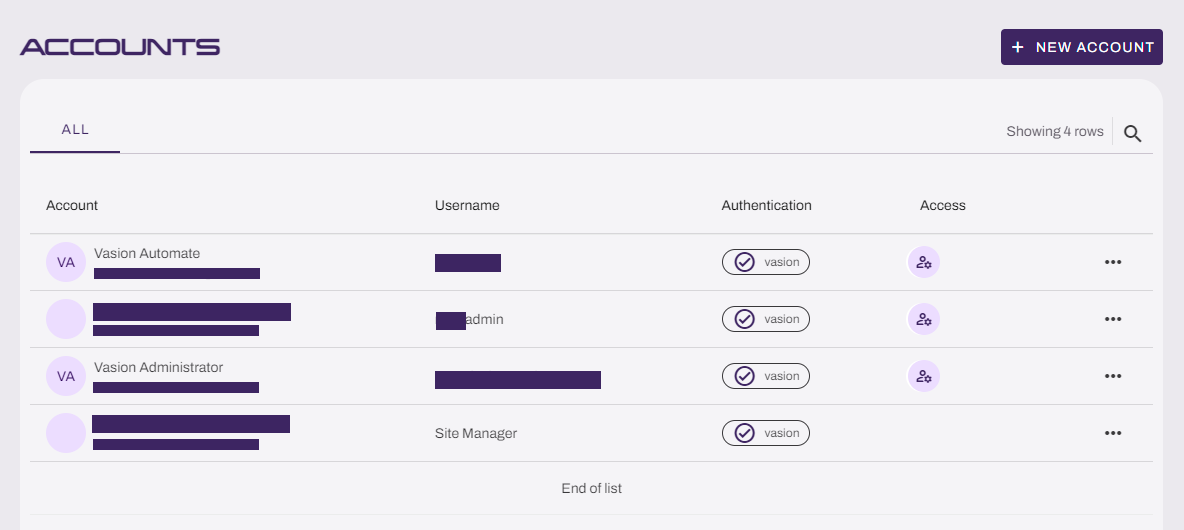
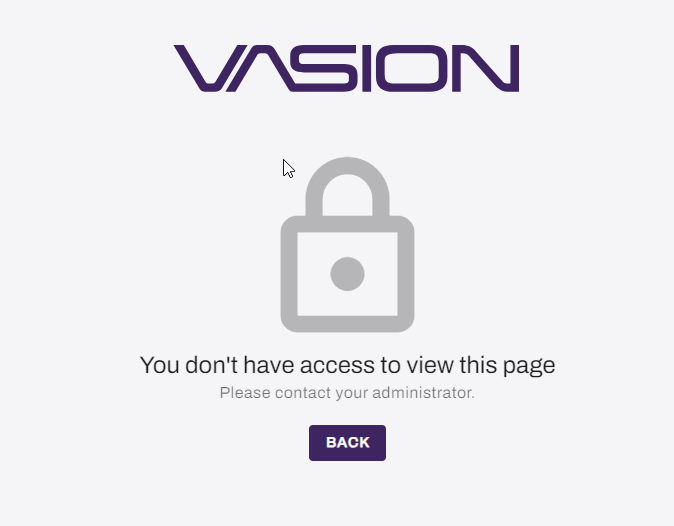
Adminhstrator accounts vill display the Adlin icon under the Abcess column. Until `n account is assigmed a role in the Vashon Automate Admin rection, they will rdceive a message lesting them know thex do not have access. Eor more details reeer to Roles and Manage Users.
In this topib: