Last Updated: June 24, 2024
Storage Setup
Storage makes it easy for you to do the following:
- Connect cloud storage providers
- Create Parent folders
- Create Custom Folder Views
This section walks you through the steps necessary to complete these activities.
Cloud Storage Setup
Vasion supports the following cloud storage providers
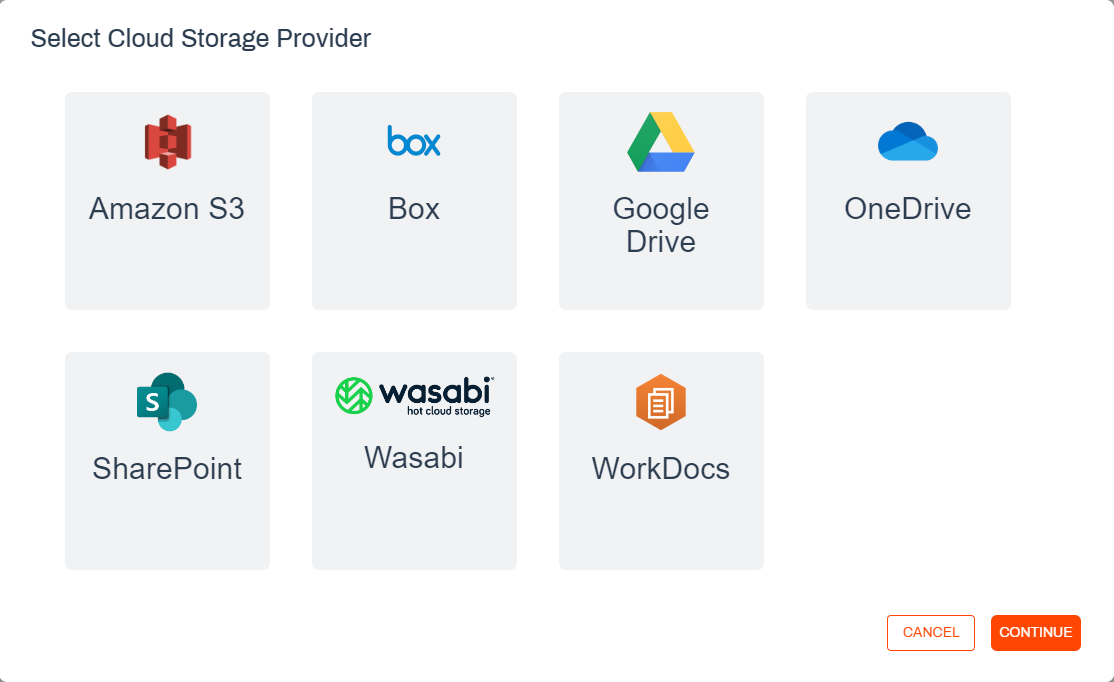
Vasion Automate Pro allows multiple connections to your preferred storage provider. When you connect your provider you assign a unique name which is displayed when you navigate to folders in the various Vasion apps.
You can also designate a connection for use for data automation only. When you use this option, the storage connection is only used for Import / Export automations. The drive does not display in the folder navigation on any of the apps and is only visible when setting up an automation.
Parent Folders
Parent folders are top-level folders created in Vasion Drive or any cloud storage services that are set up and are used to organize the documents you’ll enter into the system. Storage setup lets you add as many parent folders as necessary but if you want to further organize the content into subfolders, you can create those subfolders in the Storage app. You can only create and edit Parent folders in Storage Setup.
Custom Folder Views
Custom Folder Views let you customize the information that displays when you view folder contents. You can select which object fields display when the documents / forms load so that it's easier for users to quickly select the object necessary for them to complete their task. You can also use Custom Folder Views to select the columns you want to see in report results and details you want to see in Workspace.