Last Updated: August 13, 2024
Capture
There are several ways to introduce new documents into Vasion Automate Pro. The most common ways are using one of the following options:
- Send to Vasion
- Print to Vasion
- Microsoft Outlook Add-in
There are other ways to get documents into your Vasion Automate Pro's instance through various automations and workflows but in this section we'll cover ways you can use to save and index documents into Storage or Workflows, as long as you have the appropriate permissions.
To get started you need access to the Capture app. There are two ways to access the Capture app:
-
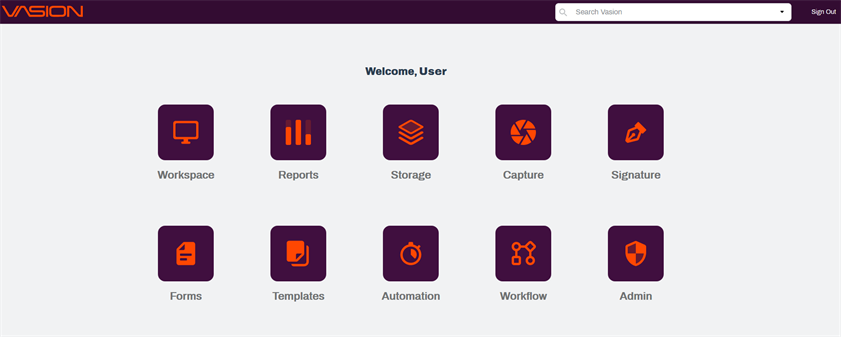
Click on the Capture icon from the Home page.
-
From any app, click on the Apps icon
 on the header and click on the Capture icon.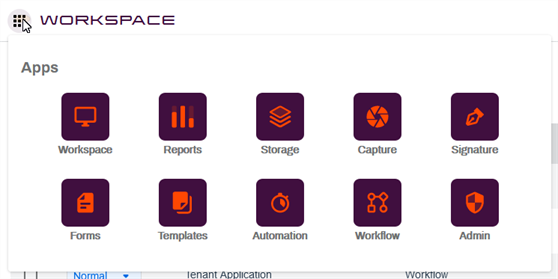
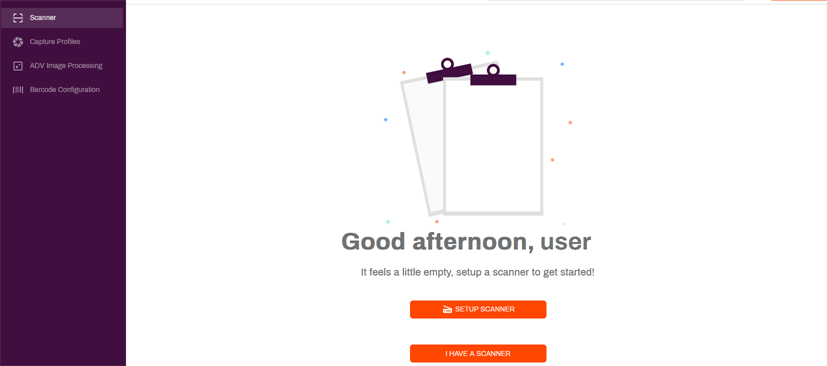
The first time you access Capture, select the Setup Scanner option to install the Send to Vasion app which consists of two components: Scan to Vasion and Print to Vasion. Let's walk through the installation of Send to Vasion.