Last Updated: August 13, 2024
Signature
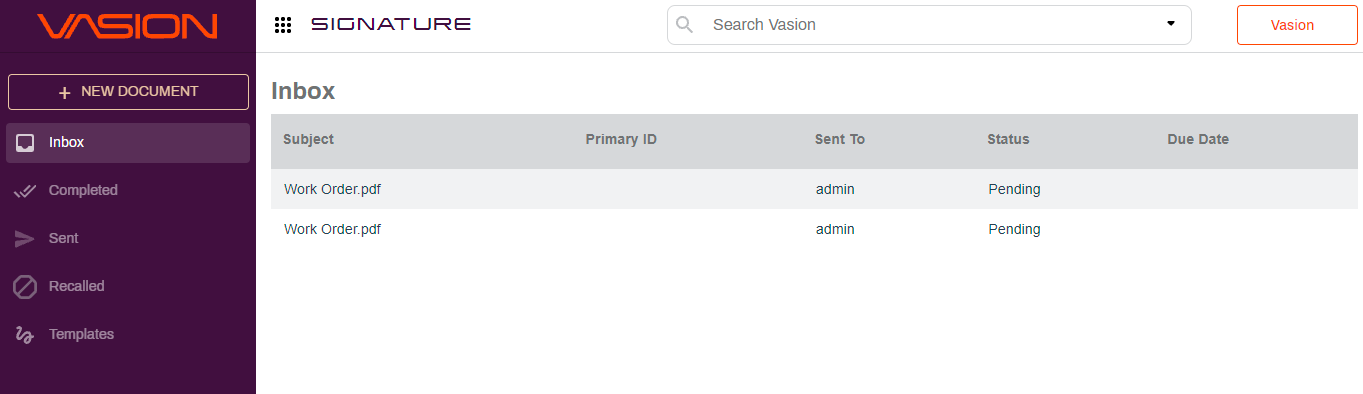
Signature provides a simple solution to configure and send documents for online esignature, track the status of the signature process, and get documents signed and returned from their device in a secure and quick way. The application also makes it easy to allow external people and other organizations to electronically sign and return documents from any location and any device.
You can route documents for multiple signers, make any document digital-signature-ready with custom zones, use signature template documents to send out multiple times, or as part of a workflow. Specify the folders where you would like to store documents once they are approved, and where they should be stored if they are denied. For more details on how to create folders and subfolders, see Create Parent Folders.
Legally Binding
Vasion Signature is compliant with the U.S. Electronic Signature in Global and National Commerce Act of 2000 (ESIGN) and the Uniform Electronic Transactions Act (UETA). Here are some elements that make an esignature legally binding:
Intent to Sign
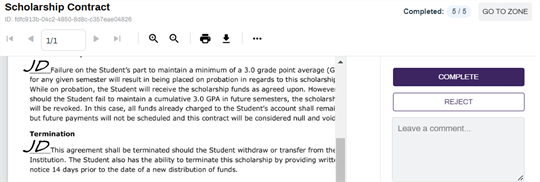
A recipient can read the document and choose to sign or by selecting Reject, they can decline to sign the document.
Consent
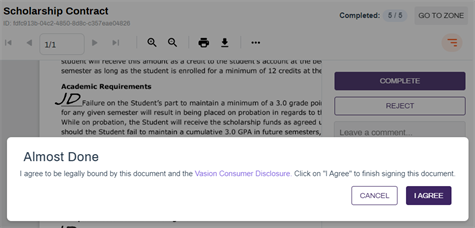
The signer agrees to using an electronic signature.
To complete the signing process the signer must select I Agree and can navigate to the Vasion Consumer Disclosure to read the consumer disclosure and consent information.
Audit Trail
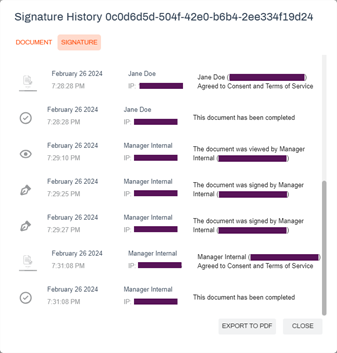
Every document sent for signature records a non-editable audit trail that tracks every action taken on that document.
Record Retention
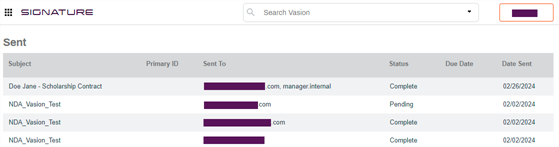
All documents are securely stored and are easily accessible by authorized users to view or print as needed.
Document Certification
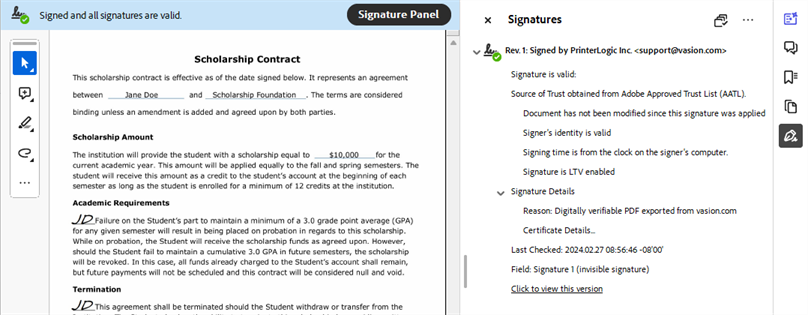
Document certification is available for hosted customers. We use Hardware Security Module (HSM) A physical computing device that safeguards and manages secrets (most importantly digital keys), performs encryption and decryption functions for digital signatures, strong authentication and other cryptographic functions. technology to certify the authenticity and integrity of the document once the signature process is complete.
You can view the certificate of completion by opening the document and selecting the Certified button 
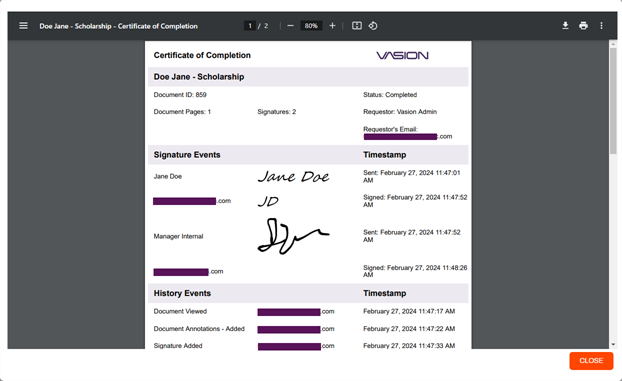
You can also see the signature validity and verify signatures using a PDF reader.