Last Updated: June 18, 2024
Templates
The Templates application is used to set up two types of templates for use in Vasion Automate Pro, email templates and document templates.
Use Email templates to configure custom email templates for workflows and email notifications. With email templates, you can populate field data from an object and / or static content in the subject and / or body of an email that pertains to a document or record. For example, it can notify a user a workflow has been assigned to them or update users when a workflow has moved on to the next stage.
Use Document templates to configure and map object fields to specific zones on a template and associate the template to a form. When the associated form is filled out by an end user, the data entered by the user would be applied to the template upon submission and a document will be generated. With this functionality, you can generate a document based on a form being submitted.
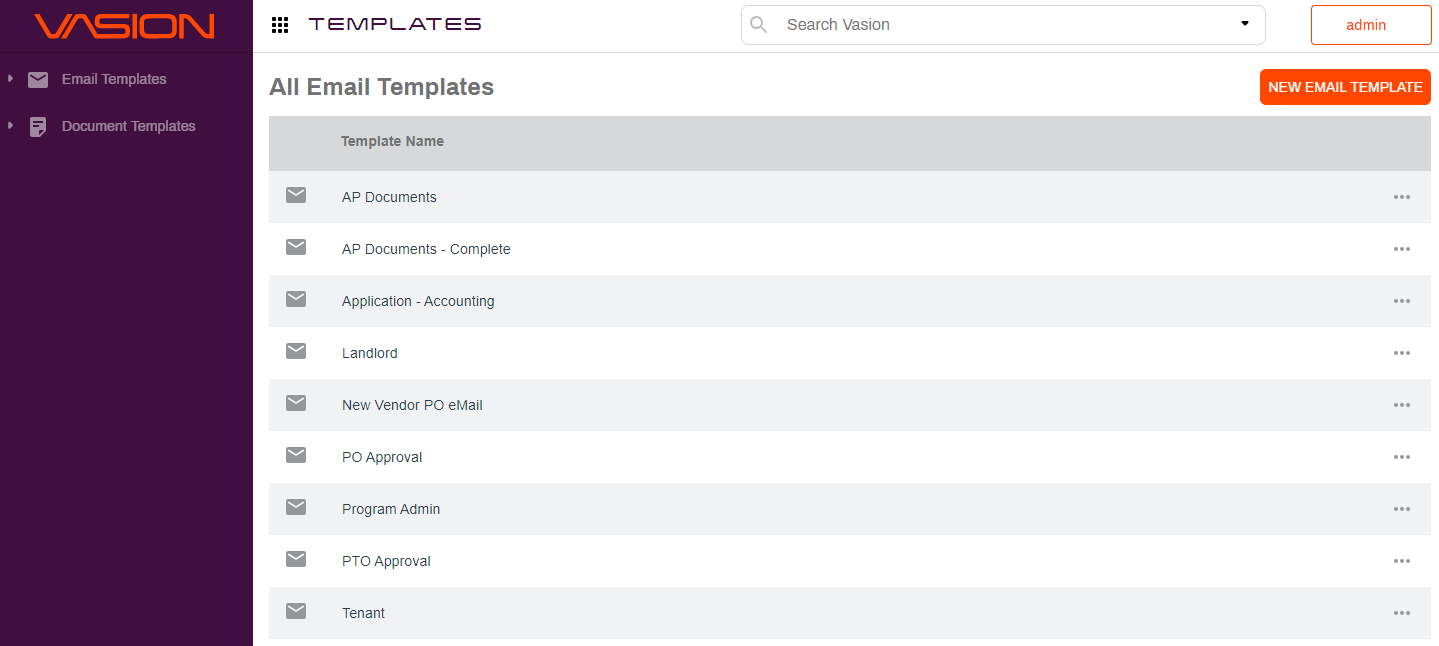
There are two ways to access the Templates app:
-
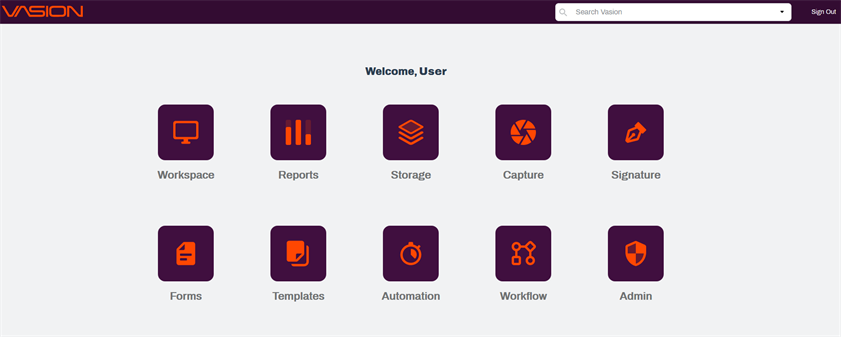
Click on the Templates icon from the Home page, or
-
From any app, click on the App button
 on the header and select the Templates icon.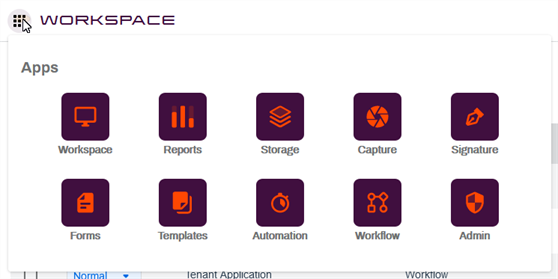
The Templates app displays the email templates by default. Click on Document Templates to view or configure document templates. In the following sections, you can learn how to configure email and document templates.