Last Updated: August 13, 2024
Admin
The Admin app is for Vasion Automate Pro administrators to manage various aspects of the platform.
Access the Admin App
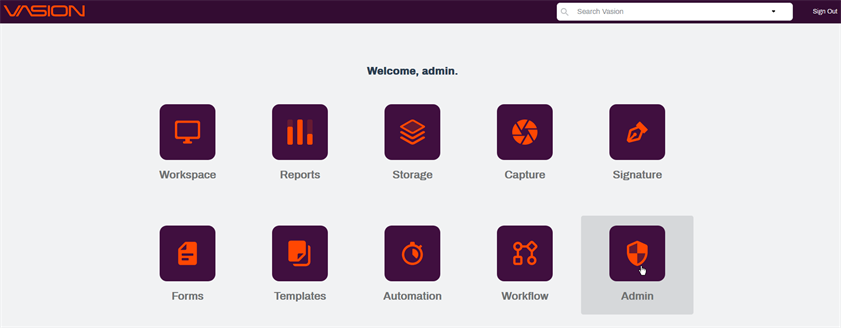
Access to the Admin app requires the appropriate permissions. To access Admin, select the Admin icon on the home page.
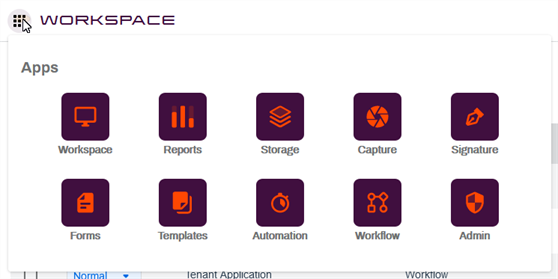
You can also access the Admin app by clicking on the Apps icon  from any app.
Security & Permissions
The Security & Permissions section is where you add users and groups, manage app permissions, set up two-factor authentication and more. Access to Vasion, it's various apps and content require user authentication and appropriate permissions. To learn more about setting up users, groups, roles and more, see Security & Permissions.
Usage Dashboard
The Usage Dashboard is designed to give statistics on the use of Vasion. Available data includes totals of active workflows, Forms, Folders, and Users as well as storage space used. Additionally there is a graph that shows the number of transactions completed between customizable date ranges. For details see Usage Dashboard.
Storage Setup
The Storage Setup section lets you add and modify parent folders, configure cloud storage and manage custom views. For details see Storage Setup.
Search Setup
To help users to search for content easily and efficiently across your storage locations, the Search Setup section includes details for setting up Object Searches, Full Text Searches, Global Search, Linked Search, and more. You can manage search access by applying users or group permissions to searches, and update or change existing searches. For details see Search Setup
System Settings
The System Settings section gives you two options:
- Configure the SMTP settings to send emails from Vasion. For details see Email Settings.
- View Vasion product information. For more details, see About Vasion.
Integrations
The Integrations section provides you with the ability to configure the following:
- Authentication — connect a SAML single sign-on ID service
- Software — connect Salesforce
For on-prem customers, you can find server requirement details here.