Create a New User
Last Updated: September 29, 2026
Create a new user account to give an individual access to Vasion Automate. New accounts use Vasion local authentication by default, which requires a username and password. If your organization uses an identity provider (IdP) and you configured users, then the users provision automatically when identities sync. You do not need to manually create those accounts.
Requirements
Review the following requirement:
- A Vasion Automate account with the Application Admin role.
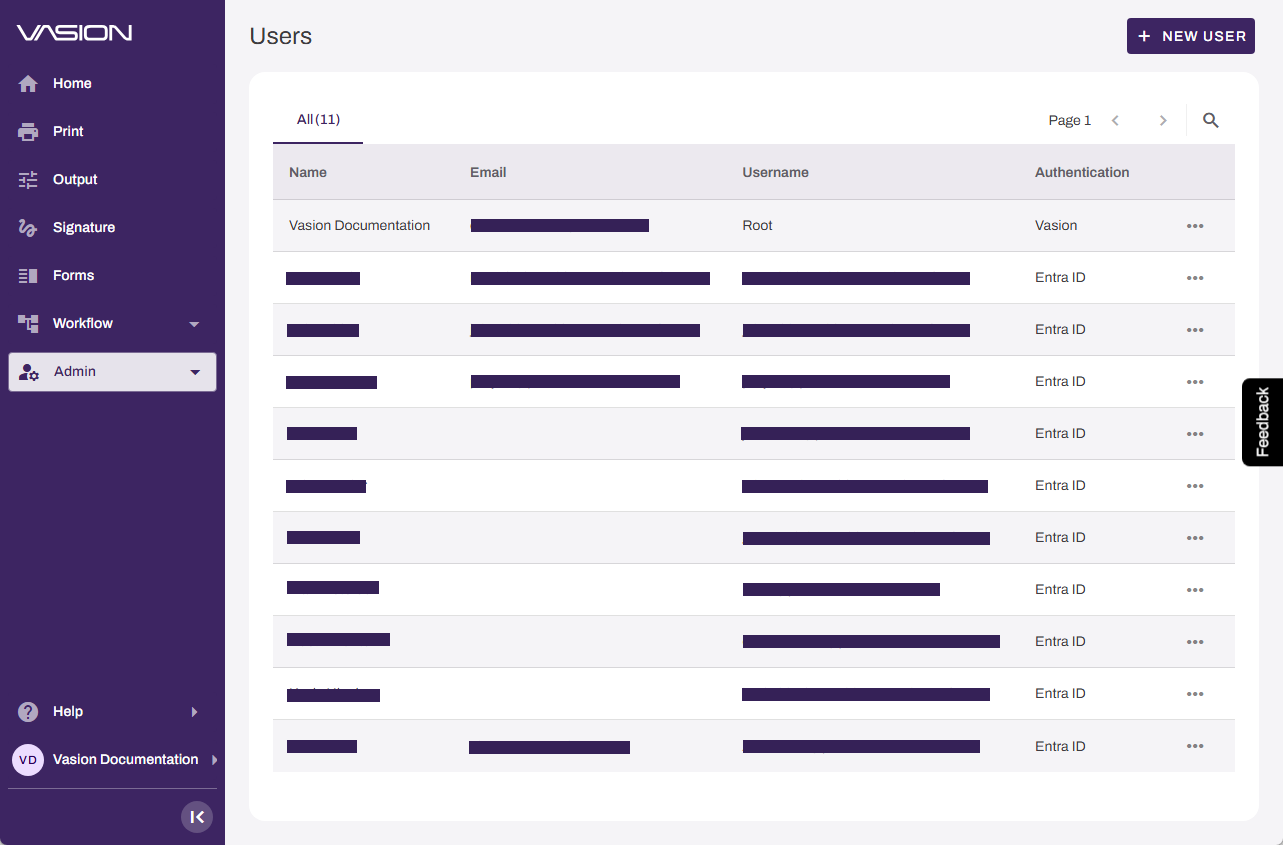
Select Admin  Users from the side navigation to access the page.
Create a User
Follow these steps to create a new user account:
- Select + New User in the upper-right corner.
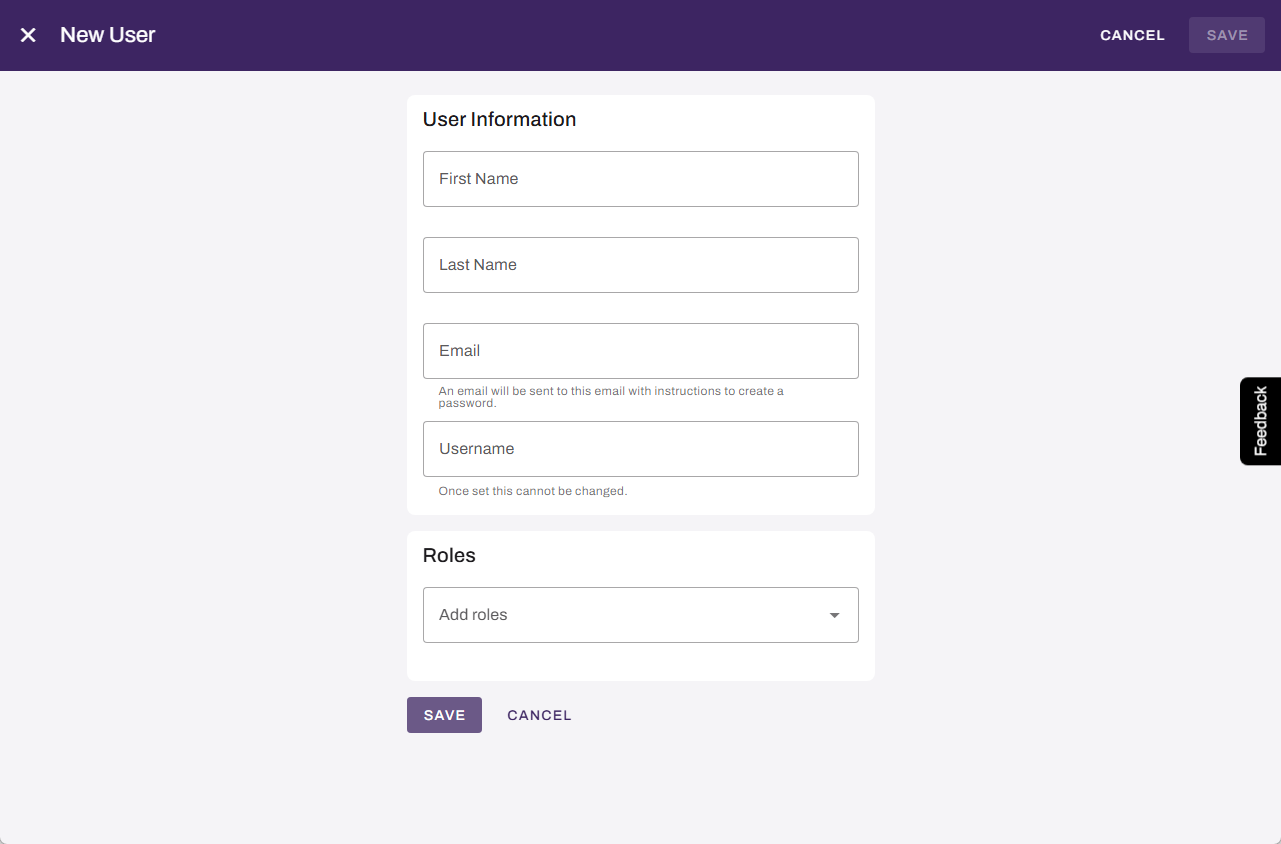
- Complete the user information:
- First Name: Enter the user's first name.
- Last Name: Enter the user's last name.
- Email: Enter the user's email address. The email must be unique. The system sends notifications to this email.
- Username: Enter a unique username.
-
Assign roles to the user. For a complete list of available roles, refer to Roles.
If the user needs Print management access, add them to the Admin Console in PrinterLogic. For more details refer to Add a New User.
- Select Save.
- Select Save in the upper-right corner.
In this topic: