Last Updated: June 24, 2024
Edit a Data Import
To edit a Data Import automation do the following:
- In the Automation app click on the data import you want to edit, or
Click on the More button and select Edit.

-
Update import configuration
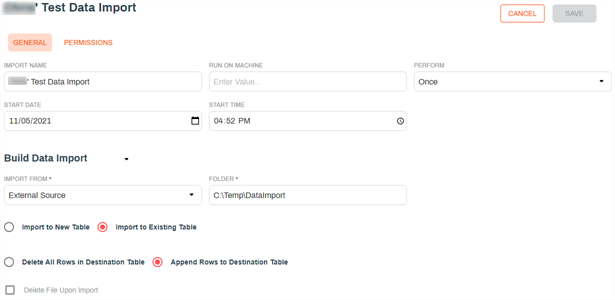
- Click Save at the top of the page.
Delete a Data Import
- In the Automation app click on the More button of data import you want to delete.
-
Click on Delete.
-
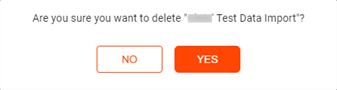
In the confirmation modal click Yes.