API Connector Step
Last Updated: October 27, 2026
Use the API Connector step to send requests to a third-party application programming interface (API) from a workflow. The step authorizes each request with a saved credential instead of a plaintext token. A workflow can pull data from an outside system, write data to it, or check its status while the workflow runs.
Key Points
Review the following key points:
-
Call any public third-party API from a workflow as a native step. You do not need a separate integration tool.
-
Authorize requests with one of four credential types: Open Authorization (OAuth) 2.0, Bearer, Basic, or API key.
-
Test a request before you publish the workflow to confirm that it works.
-
Use response fields, such as the status code and JSON values, as variables in any later step.
-
Keep credentials personal and revocable. Credentials are not shared when you share a workflow, and you manage them on the My Integrations page.
How the API Connector Step Works
The API Connector step is a native step in the workflow builder. It connects a workflow to an outside system in two phases: build time and run time.
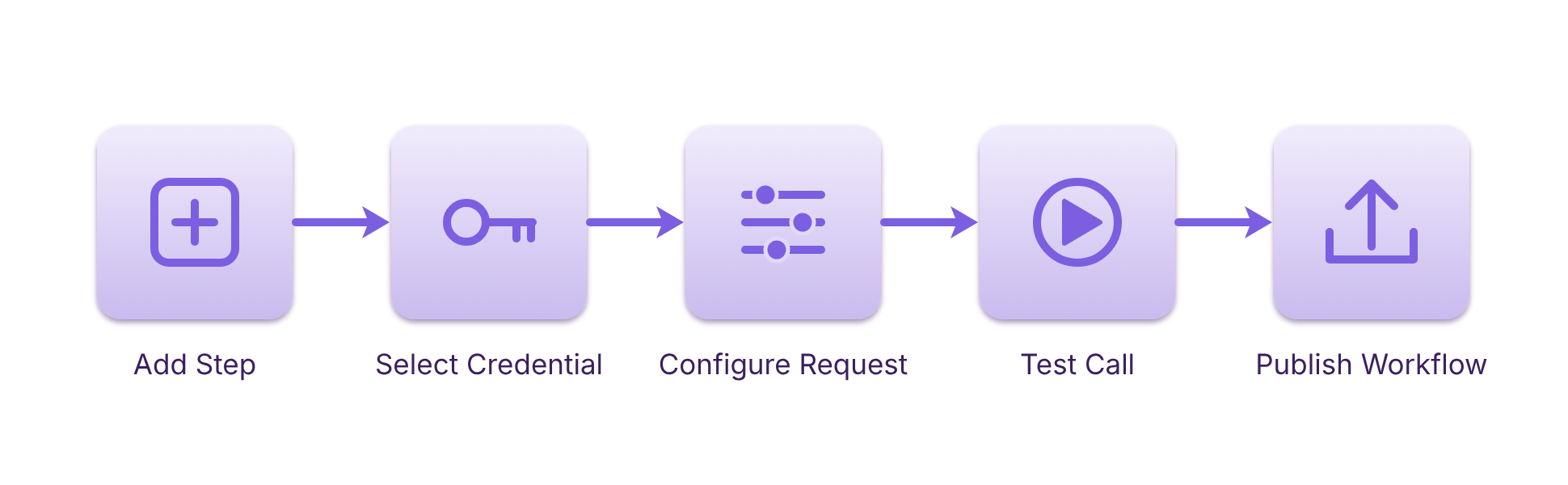
At build time, you configure the step with the request to send to the third-party API and the credential that authorizes the request. Before you publish the workflow, you run a test call to confirm that the API accepts the request and returns the response you expect.
The following diagram shows the process of configuring the step:
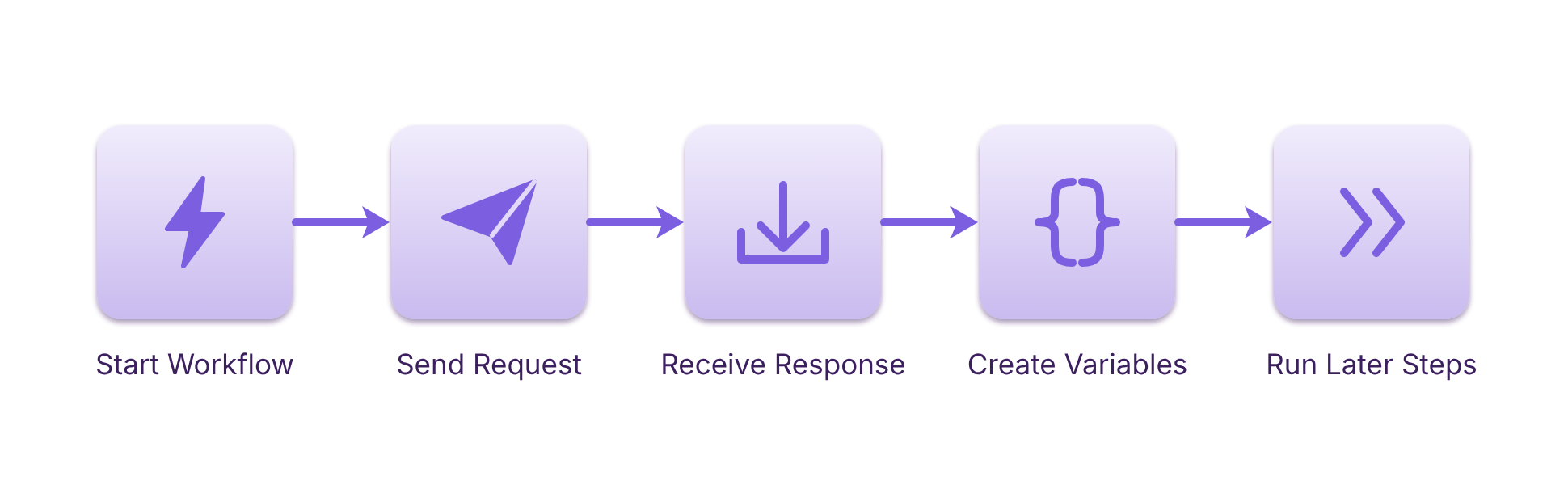
At run time, the step sends the request to the third-party API and receives the response. The step then makes the response status code and the values in a JSON response available as variables. Any later step in the workflow can use these variables.
The following diagram shows the process of using the workflow:
Supported Credential Types
The API Connector step supports the following credential types:
-
OAuth 2.0: An authorization framework that lets the workflow access resources in the third-party app on behalf of a user.
-
Bearer: A token that the third-party API issues. The step sends the token with each request so that the API accepts the request.
-
Basic: A user name and password pair that the step sends with each request.
-
API key: A unique key that the third-party API issues to identify your account or app. The step sends the key with each request.
How Credentials Work
A credential is personal to the user who saves it. When you share a workflow, the credential is not shared with it. You can revoke a credential from the My Integrations page.
General Requirements
Review the following requirements:
-
Creator role assigned to a user to create and manage workflows.
-
A public third-party API that the workflow calls.
-
The authentication details that the third-party API requires for one of the supported credential types.
Other Relevant Details
Keep the following in mind when you use the API Connector step:
-
Common uses: Pull customer data from a customer relationship management (CRM) system, write approved data to an enterprise resource planning (ERP) system, or check the status of a record in a third-party system.
-
Test call: The test call sends a real request to the third-party API, so use test data when possible.
-
Response variables: Later steps can use only the response fields that the step makes available as variables.
Next Steps
Refer to the following:
In this topic: