Quota Management Report
Last Updated: August 28, 2026
The Quota Management report provides a quick data export for users and group quota usage in a CSV file.
To access this report, navigate to Reports  Quota Management Reports in the Admin Console.
Report Results
The fields contained in the report include:
- User Name and Email.
- User Groups.
- Quota Used.
- Total Quota.
- Total Quota Adjustments.
Downloading Reports
The selectable time periods for the reports line up with those defined on the Tools Quota Management page in the Admin Console.
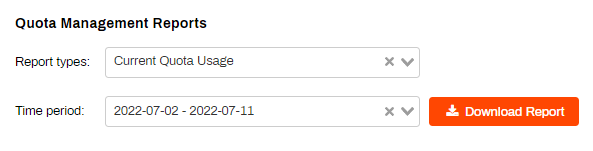
- In the Report Types select Current Quota Usage.
- Then select the time period you want to export the data for.
- Select Download report.
In this topic: