Last Updated: October 29, 2025
External User Portal
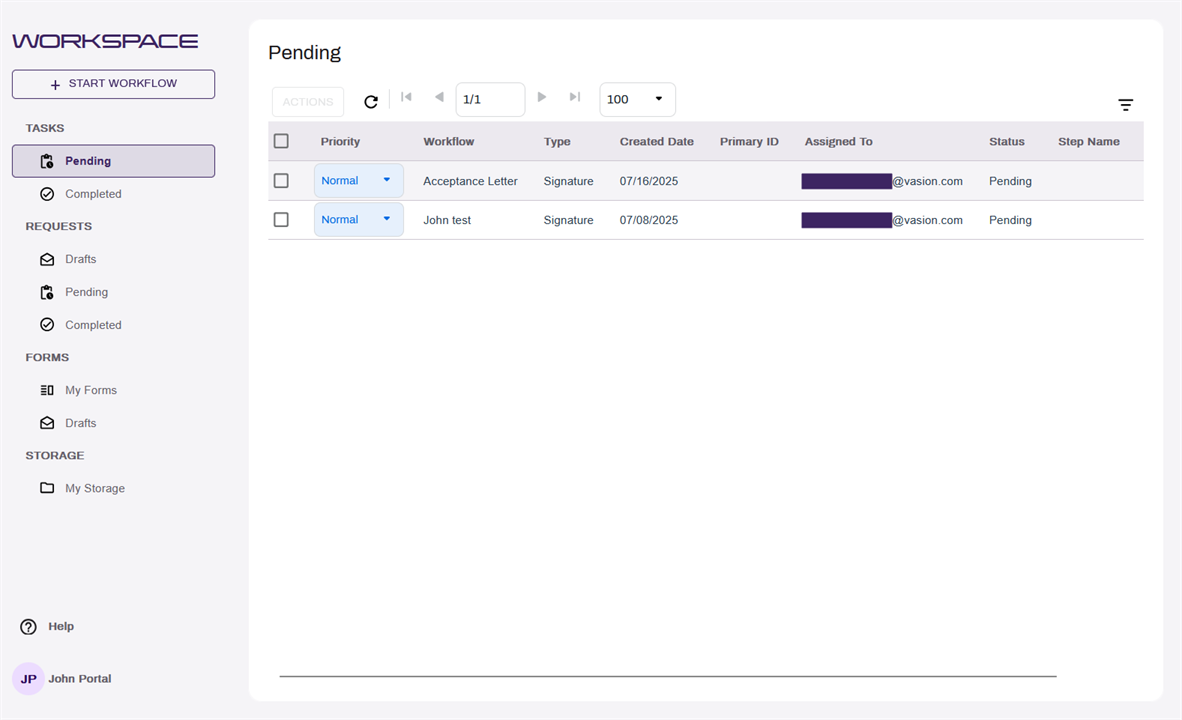
Vasion Automate Pro offers an External User Portal to manage third party user access to documents. Set up separated and permission limited folders for external groups, manage their user accounts, and automate the documents external users submit.
Benefits of External User Portal include:
- Accepting submissions of documents from external sources.
- Allowing business partners access to documents.
- Processing approvals with external parties.
General Requirements
Before configuring the External User Portal, ensure the following are configured:
- A license with External User Portal users. For a license including this, please reach out to your customer success manager.
- Email Settings configuration. For configuring Email Settings, see Email Settings.
- Workflow Web URL configuration. For configuring the Workflow Web URL, see Global Settings.
Both of the above settings only need to be configured once for the Vasion Automate Pro product, and may already be configured. If there is any confusion or doubt whether they are already configured, please reach out to support@vasion.com.
External User Portal User Documentation
For documentation for the features and abilities for users that will be utilizing the External User Portal, see the External User Portal User Guide.
Next Steps
To configure the External User Portal:
- Configure Portal Groups. See Portal Groups.
- Configure Portal Parent Folders. See Portal Parent Folders.
- Add Portal Users. See Create Portal Users.