Last Updated: October 20, 2025
Capture
There are several ways to introduce new documents into Vasion Automate Pro. The most common ways are using one of the following options:
- Send to Vasion
- Print to Vasion
- Microsoft Outlook Add-in
There are other ways to get documents into your Vasion Automate Pro's instance through various automations and workflows but in this section we'll cover ways you can use to save and index documents into Storage or Workflows, as long as you have the appropriate permissions.
To get started you need access to Capture. Select the Capture icon from the side navigation. The first time you access Capture, select the Setup Scanner option to install the Send to Vasion application, which consists of two components: Scan to Vasion and Print to Vasion.
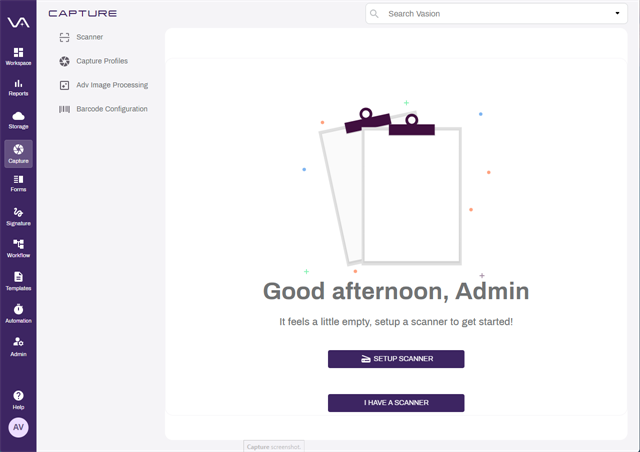
Let's walk through the Send to Vasion installation.