Account Integrations
Last Updated: October 25, 2026
Connect your account to an integration that your administrator added to the Vasion Platform.
Requirements
Review the following requirements before you start:
- An integration that your administrator added to the Vasion Platform.
- An account with the integration provider that has the permissions you need.
Connect to SAP
Connect your SAP account to the Vasion Platform so that workflows and agents can work with SAP on your behalf. Your administrator must add the SAP integration before you can connect.
Follow these steps:
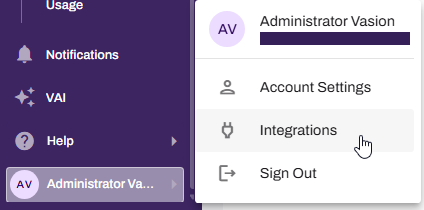
- Select your avatar in the bottom-left corner.
-
Selects Integrations.
-
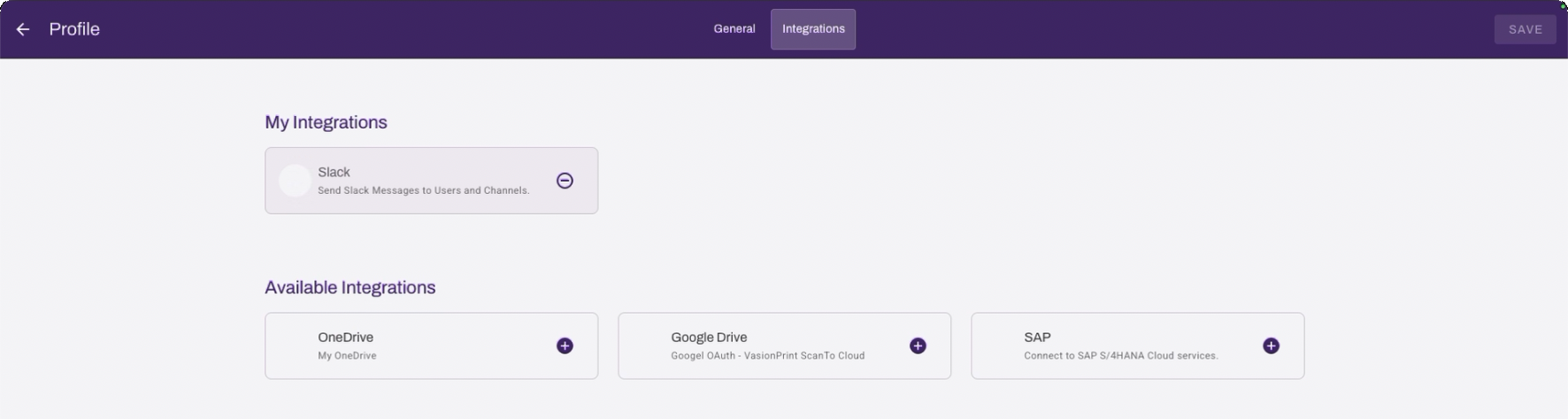
On the Integrations page, select the Add button on the SAP card.
- In the SAP Sign In modal enter your credentials and authenticate your account.
-
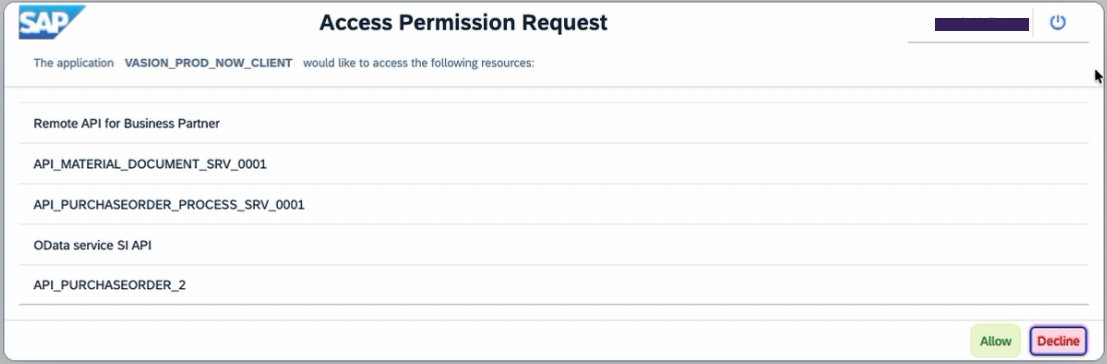
In the SAP Access Permission Request modal select Allow.
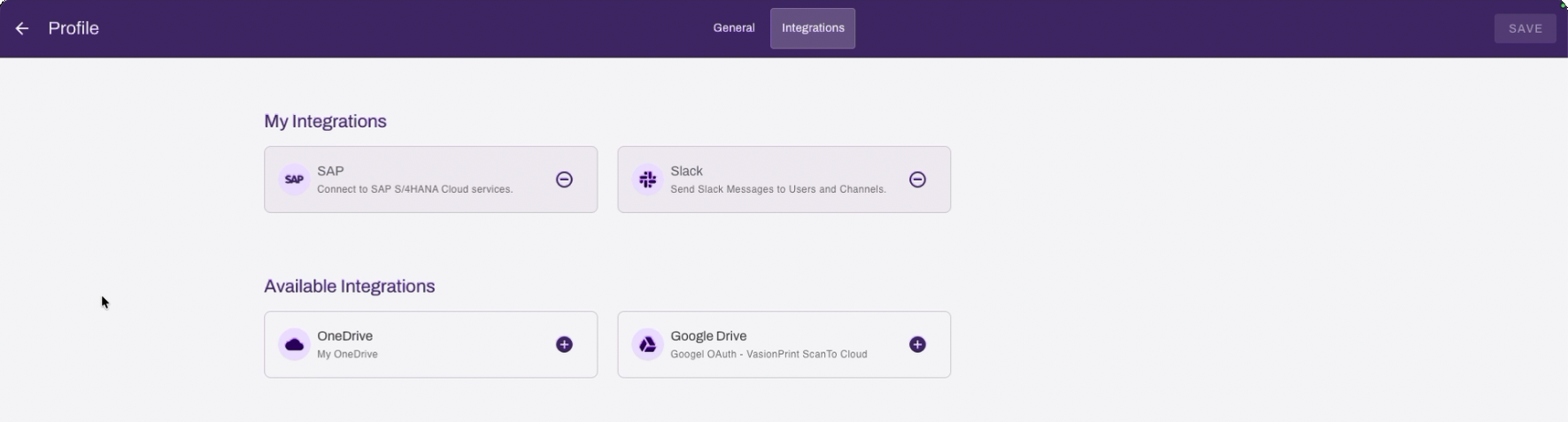
When the connection succeeds, the card moves to the My Integrations section of the page.
For complete details about SAP refer to:
Troubleshooting Help
In this topic: