Automate Groups
Last Updated: August 07, 2026
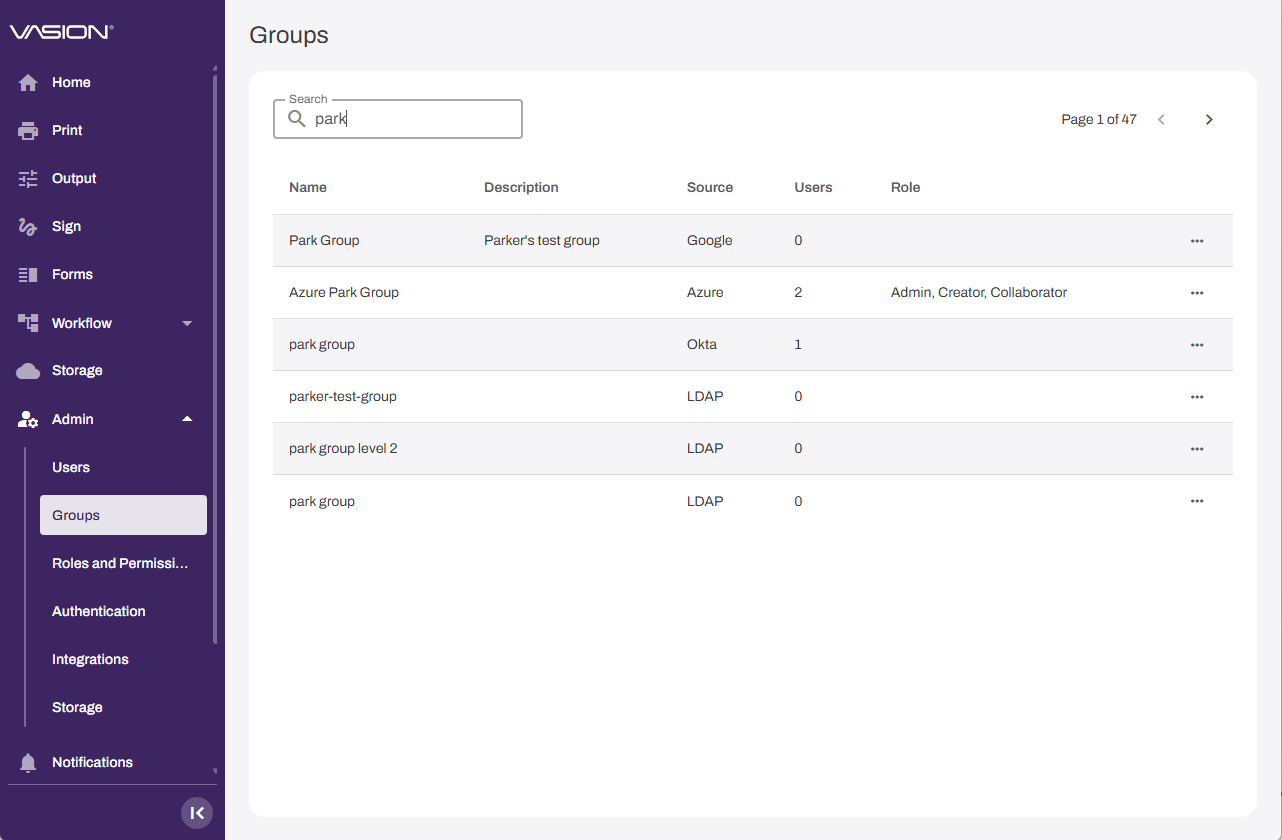
A group is a collection of users that can receive one or more roles. When you assign a role to a group, all users in that group inherit the role's permissions. The Groups page lists the groups provisioned from your identity provider (IdP) A system that creates, maintains, and manages identity information for an organization. An IdP provides authentication services to apps in a federation or distributed network.. You can assign roles to each group.
Key Points
Review the following key points:
- Apply consistent access for many users by assigning roles to groups.
- Reduce admin overhead when users join, leave, or move between teams.
- Your IdP provisions the groups. You manage group membership in your provider's admin portal.
Vasion Automate supports IdP groups only, not custom groups.
How the Groups Page Works
The Groups page in Vasion Automate is primarily an access-management tool. This page helps you manage access at scale. Instead of assigning access to one user at a time, you assign roles to a group so everyone in the group gets the correct access.
The page lists the groups provisioned from your IdP and how many users each group has. When you open a group, you can assign the appropriate Vasion Automate roles and view its members.
Requirements
Review the following requirements:
- A Vasion Automate account with the Application Admin role.
- A configured IdP integration so you can provision groups into Vasion Automate.
- To manage group membership, admin access to your IdP's admin portal.
Next Steps
Refer to the following:
In this topic: